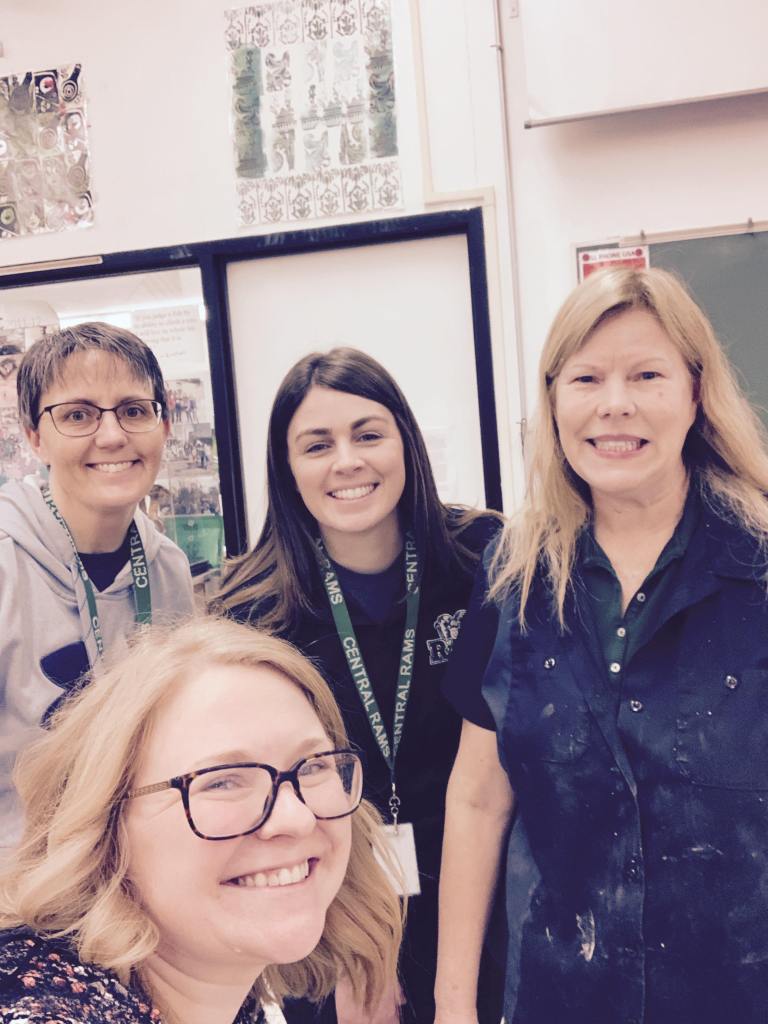
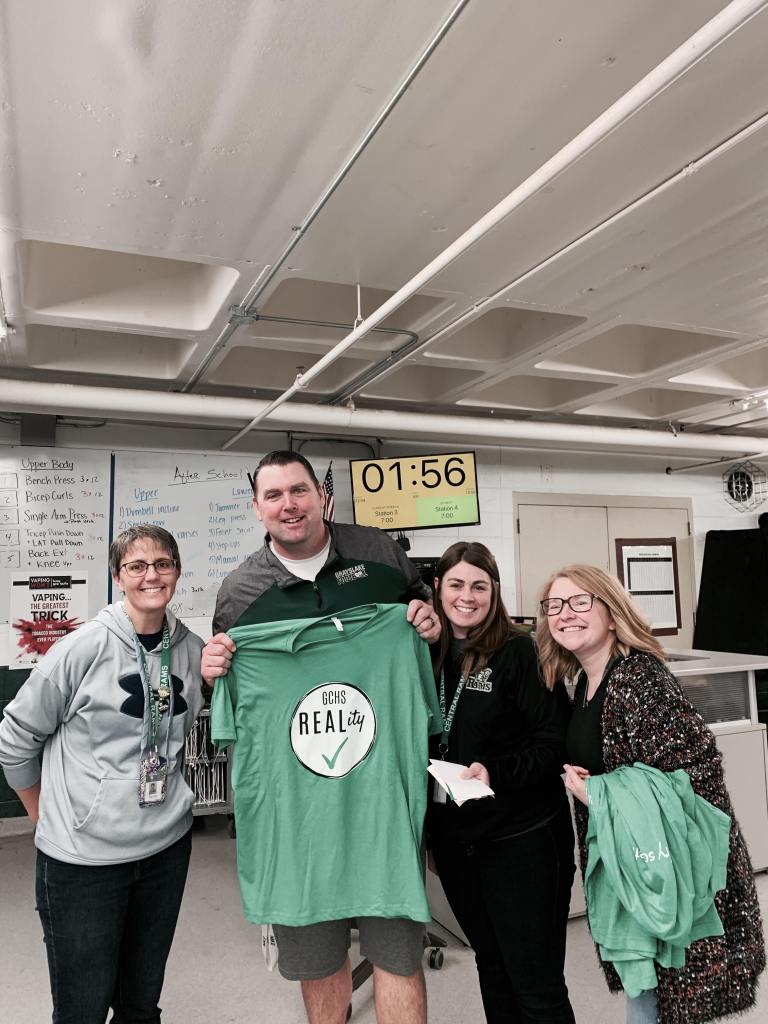
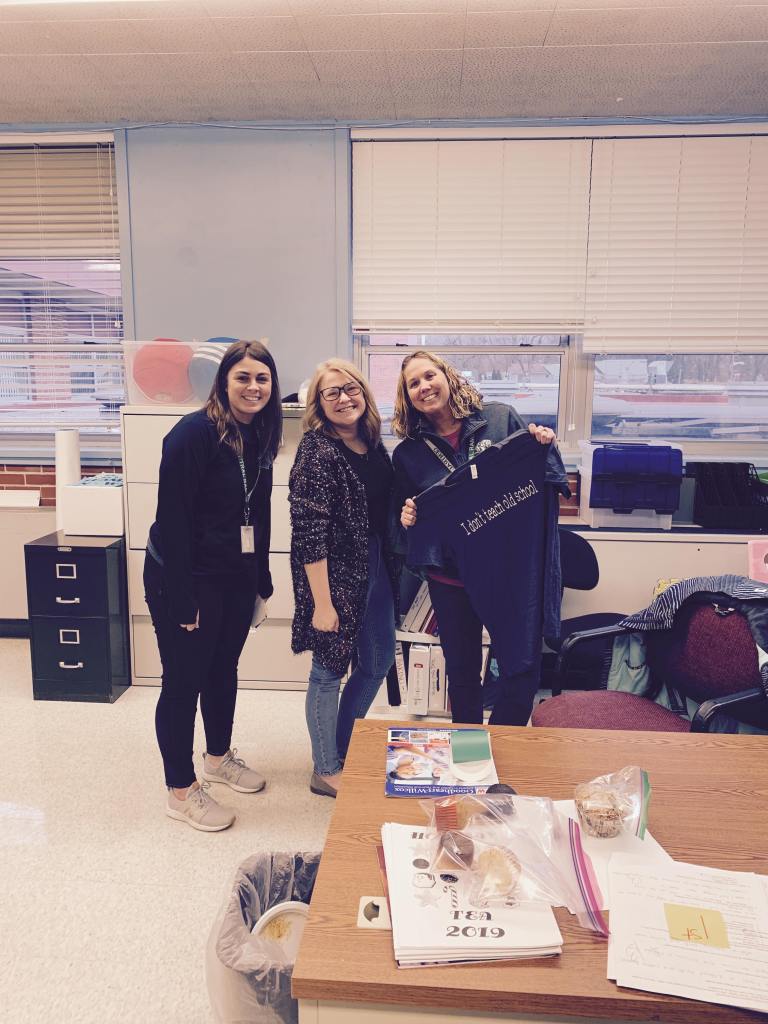
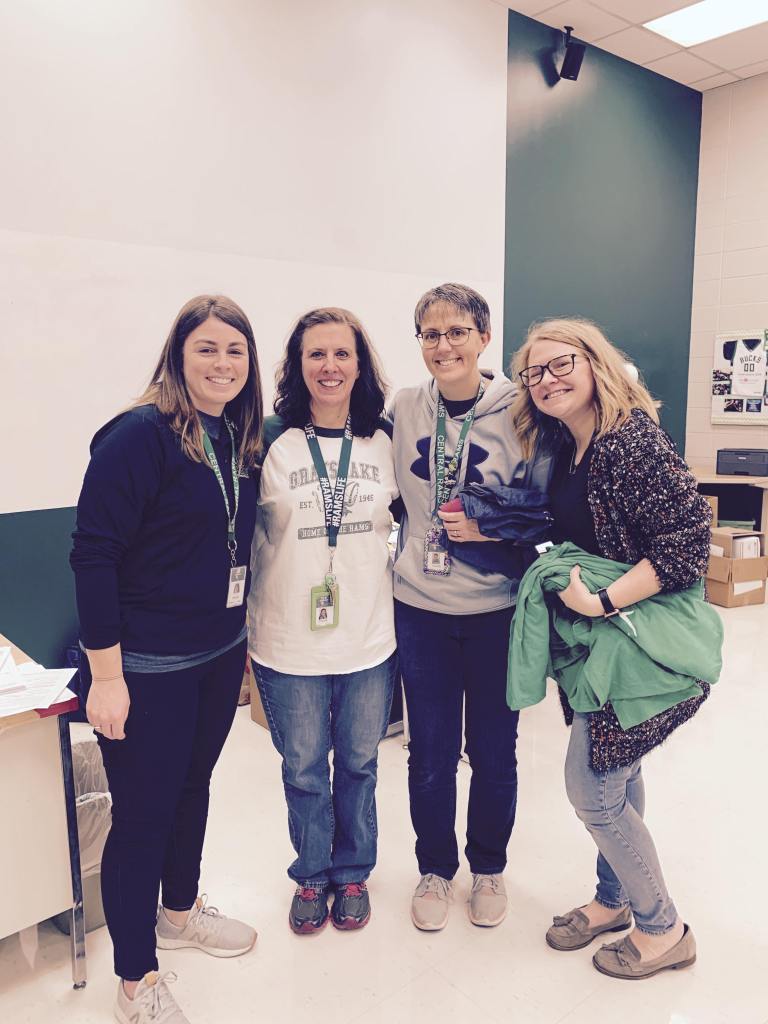
You have probably overheard colleagues at some point or another talking about some podcast they listened to and maybe thought, “that sounds kind of interesting…?” We all know that time is precious and while we want to be able to spend time engaging in great conversations about our careers, life can get in the way. Podcasts are a great way to use that time you spend in the car or walking the dog, for good.
On REALity Check Podcast S1E8, we talk about our favorite six teacher podcasts that we think are the most engaging and worth your time. Check them out!
This is probably the best place to start if you are looking for an education-based podcast (besides REALity ✔ of course). Jennifer Gonzalez and her team have created a wonderfully engaging podcast that focuses on the craft of teaching, going beyond teaching and digging deeper into education and the soul of a teacher. There is a podcast for basically anything you could want to listen to in terms of education. Podcasts range from 20 minutes to an hour and are so engaging you don’t realize the time has passed.
When I have ten minutes to spare, this is the podcast I am scrolling to. Probably my personal favorite podcast, Vicki Davis just has a knack for podcasting. Not only does each podcast eloquently cover the topic in an engaging concise manor, but her selection of topics is broad and thoughtfully selected. And it only takes ten minutes out of your day!
If you want to spend some time thinking about technology, this is the podcast for you. House of Ed Tech is funny, engaging and full of great ways to begin incorporating more technology into your curriculum. Staying up to date with technology can be intimidating. So let Christopher J. Nesi do some of the work for you and sit back and enjoy. Podcasts range from 20 minutes to an hour.
Do you need some laughter in your life? All teachers have watched movies where teachers are either the comic relief of a film, or they are portrayed so positively that it makes you feel like you’ve failed before you’ve begun. Tune into Weston and Molly’s unique take on a teaching podcast where they use scenes from movies as vehicles to reflect on teaching practice. Each podcast is about 30 minutes in length.
I love the concept of this podcast! John Spencer created this podcast to help show teachers that it is possible to allow for more creativity in the classroom. With a nice mix of both realistic takeaways and philosophical conversations, this 20-minute podcast is my go-to when I need an energy boost and some motivation.
While these other podcasts focus on helping grow teachers in the classroom, Angela Watson has made her focus on making teachers grow as people. As someone who enjoys talking about personal growth and work-life balance, I’m pretty sure Watson made this podcast for teachers like me. From topics like having self-doubt as a teacher to advice on communicating with administrators, this podcast really puts the teacher first when thinking about the health of a school. Podcasts range from 15-40 minutes.
I hope you enjoy listening! Leave a comment and let us know which podcast you choose to try!
In “Upping your Twitter Game, Part I,” I shared the three educators you should be following on Twitter. So today, in “Upping your Twitter Game, Part II,” I’d like to respond to my colleagues who expressed interest in participating in EdChats.
Why EdChats?
The purpose of EdChats is to connect you with people. Know that you have support in this building, but it’s also healthy to connect with people who teach the same course as you across the country, to figure out where educational philosophy is at, or learn from other educational experts.
How do they work?
So an EdChat might run weekly, twice a month, or once a month. Often, it’s the same day of the week, at the same time. It’s run by a moderator, and usually begins with participants tweeting in a quick hello to state who they are and where they’re tweeting from.
Then, the moderator will ask a series of five questions (Q1, Q2, Q3) over a half hour, or an hour. Every five minutes or ten minutes, the moderator will ask a new question.
Those participating in the EdChat will tweet a response — not necessarily in the comments, but some people do. You’ll respond A1, A2, A3 and include the hashtag. The moderator and participants then might respond to you, you can respond to other participants, and engage in conversation.
It’s loose enough where you can definitely participate while multitasking in your nightly routines. The idea is that it’s run live, but I’ve found a lot of inspiration by just creeping on them, too.
Note that some EdChat are #slowchats. This means that the five questions are asked slowly, one a day, over a week rather than an hour.
There are probably hundreds of EdChats out there and it’s honestly overwhelming. So here are my three tips to successfully accomplishing your goal to participate in an EdChat.
TIP #1
Find a chat specific to your role, your content, or your specific class.
Some of our posts are pretty specific to classroom teachers, but this one is for everyone. Counselors, deans, administration, interventionists — you all have EdChats geared toward your position (Keep reading to the bottom for a full list.)
AP teachers — there’s probably a Chat out there for you (Lit, Lang, Human Geo). There are so many math chats (#preCalchat, #edtechmathchat), #sschat, #socedchat, #musedchat #langchat, #busedchat, #GlobalSPEDchat. There are also assistant principal chats, chats for counselors, superintendant chats.
So start by finding one or two chats that are really specific to your discipline. If you need help following one, find me. I’ll help.
TIP #2
Follow a more general, philosophical EdChat
Many of us got into high school teaching because we love our content. But I think we all have a thing that’s more pedagogical than that, too. So find an EdChat about that philosophy or that pedagogy.
Okay, so for example, one of my favorite EdChats is #EduDuctTape. It’s run by Jake Miller (not to be confused with Matt Miller, who I mentioned in the last podcast).
He switches off every Wednesday between dropping a new podcast and hosting an EdChat. His duct tape metaphor is essentially that when using duct tape, the duct tape is never is the end goal, but rather a tool to help us achieve a goal — much like tech in the classroom.
His last EdChat featured the question: “What tools or strategies do you have to “spice up” preparation for standardized tests.”
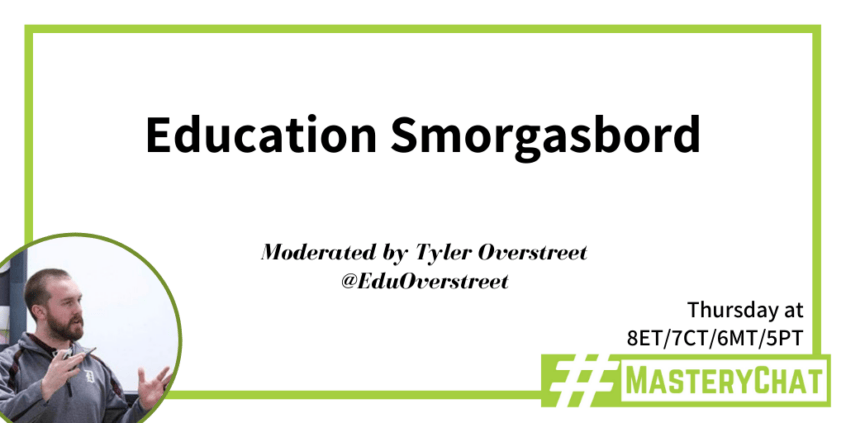
Another good one is #masterychat, run by the Teach Better Team. They run their EdChats on Thursdays at 7pm.
Their team began with emphasizing The Teach Further Model and The Grid Method — talk to our us or our brilliant colleagues over at Grayslake North, Tom New and Nathania Busse for more on this. Essentially their chats center on Mastery and Personalized Learning.
Catch their chat on February 6 (hey– the same day as ours!) where their topic is Education Smorgasbord. They’ve already posted their questions — ranging from questions about your favorite lessons (with links and resources), go-to strategies, your #1 EdTech tool, etc. Then, they’ll post the moderators’ live reactions to the chat on Youtube.
TIP #3
Find a way to keep track of these chats
Alright, for those of you reading, you might be thinking. Yes. I’m in. And then… like most resolutions…
But there are ways to keep up with this. Yes, you can set reminders for yourself. Obviously.
But also, remember the #masterychat I just talked about? Go to their website, and have them send you a reminder. A lot of the more philosophical EdChats that are run by teams have accompanying blogs and podcasts, so check out their blog, and see if they have a system in place to remind you. Check out their podcast and subscribe. As new episodes drop, you’ll get notifications to A.) listen and B.) participate in the EdChat.
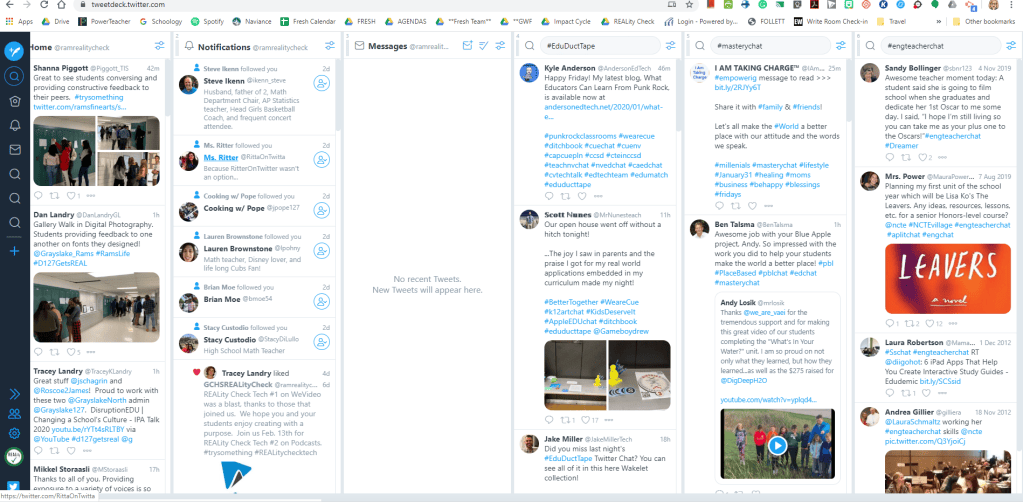
And, if you’re ready to do the Twitter deep dive, open up Tweetdeck on your laptop.
Log in through Twitter. This is how I manage both my personal Twitter and my REALityCheck Twitter. But what’s helpful is that — once you find the EdChats you find most helpful — you can follow hashtags. You’ll be able to see the moderators’ reminders, and then, if you do miss the live chat, you can go back and see the responses, links, and resources from your colleagues in the Twittersphere.
This is just a small sampling of myriad EdChats out there. Here’s a more comprehensive list.
#edchat
Description
Day
Time
#masterychat
Mastering practice + teaching better
Th
8pm
#hsgovchat
High School Government
Su
9pm
#engchat
English teachers
M
7pm
#formativechat
Implementation of formative assessment
M
7pm
#sschat
Social Studies teachers
M
7pm
#edtechchat
Educational technology
M
8pm
#flipclass
Flipped classroom
M
8pm
#musedchat
Music educators
M
8pm
#socedchat
Sociology teachers
M
8pm
#teacherwellness
Preventing burnout, coping with stress
M
8pm
#iechat
Inclusive Education
M
9pm
#ILedchat
Illinois Educators
M
10pm
#2ndaryELAchat
Secondary English teachers
Tu
8pm
#pblchat
PBL Educators
Tu
8pm
#worldgeochat
World Geography teachers
Tu
9pm
#specialedchat
Special ed teachers
W
11am
#edDuctTape
Educational technology
W
7pm
#ntchat
New teachers
W
8pm
#suptchat
Superintendents
W
8pm
#ESCIchat
Earth Science Geology
W
8:30pm
#enviroedchat
Environmental Science
W
9pm
#psychat
Psychology teachers
W
9pm
#artsedchat
Arts in education
Th
7:30pm
#edtechmath
Educational technology in math
Th
8pm
#masterychat
Personalized learning
Th
8pm
#langchats
World Language teachers chat
Th
8pm
#precalcchat
Pre-calculus teachers
Th
8:30pm
For a complete list, please click HERE for Google’s EdChat Schedule (Thanks, Google! You’re the best!)
Also, know that Grayslake Central will be hosting our FIRST EdChat during lunch periods on Friday, February 6 where we’re going to post questions centered around our #trysomething initiative.
Please join us next episode as we enter into our three-part series on podcasts in which Jen suggests the six podcasts educators should listen to.
In the meantime, what will YOU do to try something?
About five or six years ago, my goal was to get myself on Twitter and meet students where they were at. I tweeted homework every day at 3:00pm, shared articles I found, and narrated funny events that happened in class.
And then students stopped following me.
I wasn’t meeting them where they were at anymore. Instagram and Snapchat replaced Twitter.
And so I had to shift my perspective on how I could make Twitter work for me professionally.
Today, Twitter’s where some of my most powerful PLCs live.
In our #trysomething initiative, many teachers expressed interest in upping their Twitter Game. So in Part I of our installment of Upping Your Twitter Game, we give you The Three Educators You Should be Following on Twitter.
* a note *
I had a lot of options to sort through. As I whittled this down I tried to focus on those creating original content, not just retweeting content out there. I also wanted to make this as high-impact as possible, meaning that although Twitter is a platform that will help connect you with ideas and people, remember that it’s really just a means through which you can access PD in more than 280 characters. So Twitter links to websites, online magazines and newspapers, blogs, podcasts, and video content.
So let’s start big. The Cult of Pedagogy is run by a team of people who curate content first and foremost through their blog, but also have a podcast and a big Twitter following. Jennifer Gonzalez is the Editor-in-Chief and is probably who most of us associate with the site. She’s a former middle school ELA teacher, so she has great cross-curricular literacy-based posts, but they also have great content on instruction, classroom management, and technology.
She recently tweeted out her “6 EdTech Tools to Try in 2020“, which I’d been looking forward to. I hadn’t heard of any of the tools, and I’m excited to try Floop (as in “Feedback Loop”) which gives real time feedback on visual work. Another one of my favorite posts is “20 Ways to Cut your Grading Time in Half.”
She gives you a lot of ways to follow her team, so choose one that works for you.
There are so many tech integration specialists, tech educators, Google certified educators on Twitter. And a lot of them produce really practical tech content.
One that I really like is Matt Miller, who runs a team at “Ditch that Textbook.” His mission is to use tech in meaningful and engaging ways. He describes his tips as “Use it in class tomorrow” practical PD. Again, he has a podcast and a follow-up blog.
For those of you interested in quick podcast PD — he publishes five minute quick tip podcasts every. single. day. It’s pretty incredible.
I liked one of his recent posts, which isn’t actually tech-focused, but, rather, assessment focused: “4 Classroom Strategies to Avoid ‘Gotcha’ on Tests and Quizzes.” And these are really simple, but upon reflection, things I don’t actually include on tests. Questions like “What do you know that I didn’t ask you on the test,” or “Explain why you answered one of the questions like you did.” I’m an English teacher, and as I’ve moved to more multiple-choice skill-based tests recently, I wonder how including questions like this could not only help students be rewarded for what they do know, but also help me to assess the validity of my tests.
We have a lot of teachers in the district moving into BlendEd learning next year, and there are lot of educators presenting both philosophical and practical content. Maureen Ritter, one of our current BlendEd teachers, recommended that I follow Catlin Tucker, and I’m really glad I did.
I’ve found a lot of value in her posts about station rotations — which might be helpful for blended or non-blended teachers — here’s math, here’s English, here’s kinesthetic rotations. I think this is a strategy that we often connect to lower grades, but she gives practical tips to facilitate this.
I also liked her post on grade interviews with students, which essentially sounds like a prepared argument. Students come to her with a letter grade they think they deserve in addition to specific, prepared evidence. This ignites an evidence-based conversation, back and forth for three minutes. Follow her on Twitter or on her blog — especially if you’re curious about the BlendEd experience.
There is so much on Twitter that you can use for professional development. As high school educators, we’re really content-focused. Use Twitter to help inspire you in your specific area.
Start nationally. What governing bodies help to drive your content’s philosophy? Follow them. Then look at the state and collegiate level. Maybe it’s in Illinois, maybe it’s not.
If you teach living authors, or if living authors are experts in your field, follow them. You’ll find access to new articles, videos, and general inspiration for projects and authentic assessments. Talk to Jen Naes if you want help researching the most relevant leaders in your field who are also active on social media.
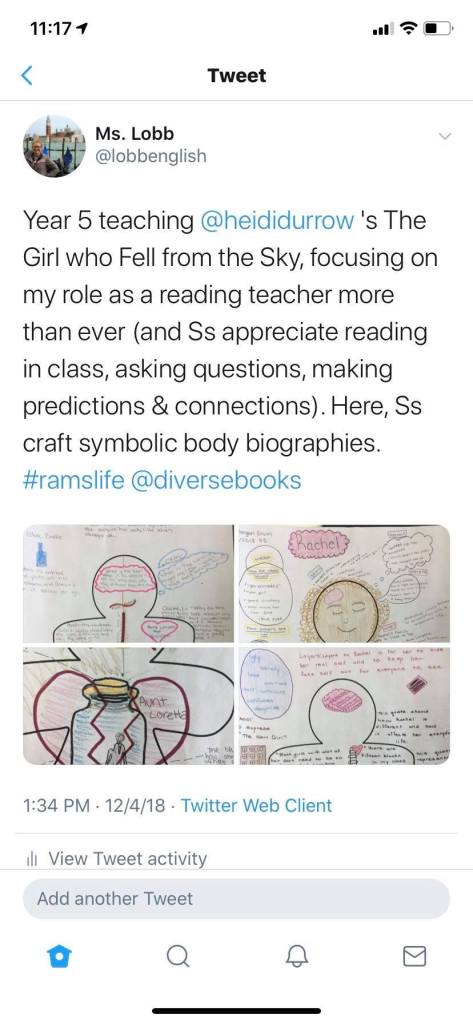
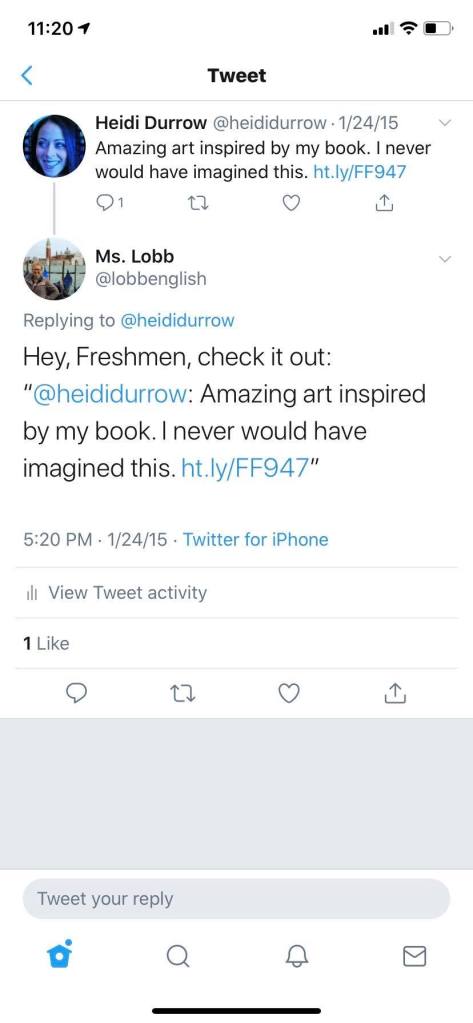
As a Freshman English teacher who has finally moved into a curriculum in which we’re teaching diverse, living authors, I’ve never seen students more engaged or excited when I’ve tweeted photos of student work at authors, who then respond.
As a sidenote, I’ve also found a lot of value in finding other high school English teachers on Instagram. Honestly, social media research is kinda like research in any other realm: find one good source, and Instagram or Twitter will help lead you down a rabbit hole of 20 more to follow.
Join us for our first REALity Check Tech Session on January 23rd. During this hands-on session we will be learning how to use many of the features in WeVideo so that we can not only assist students with their projects but become better content creators ourselves. We welcome everyone from first-timers to regular users; presenters will differentiate instruction based on the WeVideo experience of the attendees to ensure the experience is meaningful for everyone.
Attend any one of the sessions being held in the LRC conference room during periods 4, 5, & 6 and after school.
Sign up using our Google Form to ensure we have enough lunch for attendees.
Sign up in My Learning Plan (Frontline) to receive 0.5 CPDUs upon completion. (Video on how to sign up.)
Not sure right now if you will have time to attend? Walk-ins welcome!
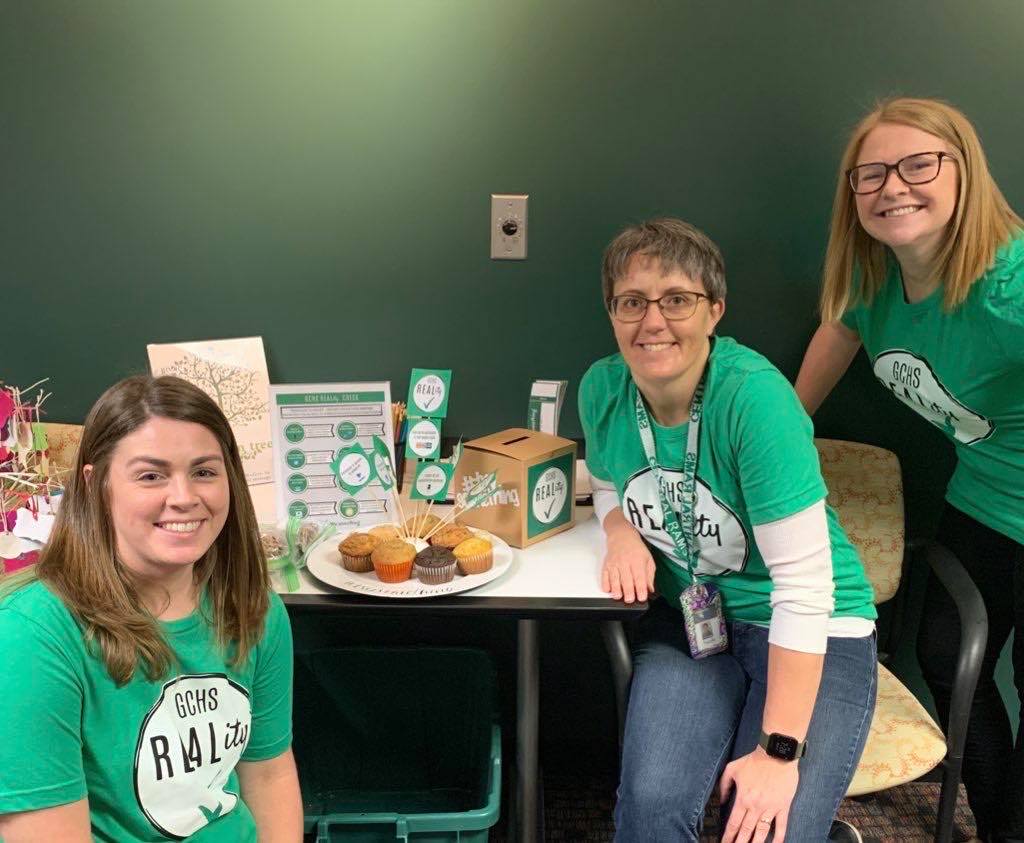
Early Monday morning, the GCHS Instructional Coaching elves dropped off some goodies in departments around the school.
Jen Naes, Shanna Piggott, and Victoria Lobb dropping off treats in the Counselors’ Office
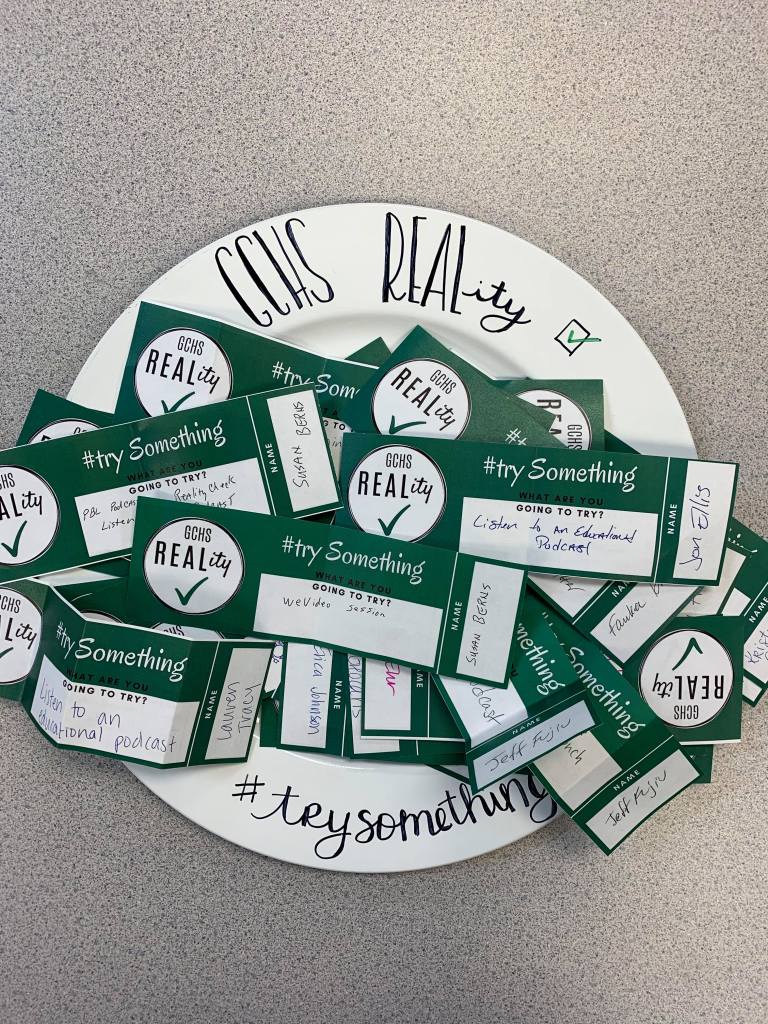
Along with the treats, we asked staff to commit to trying one new thing this semester. Always wanted to build educational podcasts into your commute? Try it! Heard about these EduChat things, but never actually participated? Try it! Want to find more inspirational educators on Instagram or Twitter? Try it!
Staff entered their ideas into a raffle, and we were so pleased with the participation!
From what we gather, we’ll have a lot more staff trying out podcasts and PBL, and in general, upping their Twitter game as a form of professional development.
We used a random number generator to select our raffle winners. Congratulations to Sue Berns, Mike Maloney, Melissa Priester, Diane Keuth, and Jason Doll!
After listening to it, I remarked that she really didn’t have to do much work in that interview: those three really had a lot to say and had so much knowledge between the three of them.
This is where we always start: what are the skills, standards, and transfer goals you have for your students. These should always come first. If you can’t clearly articulate these, chances are that students won’t be able to either.
Step Two: Develop The Problem or Question
What will students do with the knowledge and skills they’ve gained? What big question or problem will frame the unit?
Remember the REAL, people:
R: Your problem should articulate a problem that actually exists in the world or in your community. Ideally, it would be meaningful to students’ lives.
E: The problem should be engaging, as it will, at times, sustain an entire unit’s inquiry.
A: When thinking about authenticity, remember how important audience is. Who is the target audience? How will students be able to share their work with this audience?
Step Three: Find Your Team
Who can help you develop your idea both within and outside of your department? This is the perfect moment to bring in cross-curricular skills and content.
Step Four: Work Out Logistics (…but be flexible)
PBL can be scary, so the more you can set up on the logistical side of things — timing, tech resources, research, space usage, Schoology folders — the less scary it will become.
Remember, though, calendars are nice, but so is building in time to listen to students, figuring out what they need, and adjusting our plans to meet the real-time needs of our unique students.
Step Five: Be the Facilitator
This is not the place to be constantly driving the car — hand over the keys! Remember that PBL emphasizes the constructivist nature of learning, so our role is to facilitate and support students as they learn and create.
Step Six: Celebrate the Process and the Products
It’s not just about the final product, but also about the process along the way. Remember that you can build in ways to assess the process– perhaps through the 4 Cs rubrics — as these skills like communication and critical thinking are so necessary in every student’s post-secondary path.
Step Seven: Reflect
PBL is a time for reflection — so build that time in. Both you and students should have time during and after the unit to figure out what worked, could could be slightly adjusted, and what didn’t work at all.
And then, we start the process all over again 🙂
Join us for our next set of episodes that drop February 3 where we’ll begin by discussing how to start developing Twitter PLCs.
In the meantime, what will YOU do to #trysomething?
The concept of Relevant, Engaging, Authentic Learning experiences has become an integral part of our district mission and strategic plan. In addition, the district 127 portrait of a graduate is full of characteristics that can only be developed through experiential learning. In an effort to reach these goals, District 127 has invested a great deal of time and resources in helping teachers learn about, develop, and implement project-based learning experiences for our students. We are seeing project-based learning opportunities popping-up all over our course offerings but there is still so much more work to be done.
In this episode, I spoke with Chris Ellingsen, Colin Plach, and Joey Philipp about their experiences with project-based learning and why they believe these experiences are so important for our students. Chris & Colin, two of our Grayslake Central CTE teachers, teach courses that are strictly project-based and Joey, our new biology teacher, comes to us with extensive training and experience with project-based learning from his previous district. These teachers have amassed a wealth of knowledge working on projects with students of all ability and skill levels. We can learn so much about the planning, implementation, and revision of PBL experiences from these teachers and they are anxious to share what they know.
This podcast episode is just a first step into their foray into providing professional development about PBL to our staff. Join them in January for their building level late start session and in February for their TTT session. Whether you have never tried PBL or incorporate PBL regularly, all of us stand to benefit from spending time with these teachers.
Create opportunities for students to interact. Consider incorporating online discussion tools like flipgrid or using collaborative creation tools like Google Slides to encourage collaboration and interaction between students that aren’t in the same room together.
Allow students to research and explore upcoming content. Think about flipping the script and have students find sources or material and make connections to both previous and upcoming learning.
Create flipped lessons for students to view. Use something like Screencastify or Wevideo to talk students through a short lesson. Consider using Kami during your screencast to annotate something or walk students through an example. Finally, include a takeaway like a Google Drive assignment or Schoology quiz to formatively assess their learning from the lesson.
Provide students an opportunity to reflect. Use a formative quiz or google form to survey the students about their awareness of and progress on learning targets or to reflect on the learning process as a whole. The information you collect can be used to inform future lesson planning.
Keep going! If the students are already in the midst of a project or learning experience, just have them keep working and collaborating on parts of the experience they don’t need to be in the same room for.
For more resources and ideas, check out the REAL Hub or schedule time with an instructional coach.
Many of us know just how great WeVideo is. It’s unique in that it can do ALL of the following:
Create videos
Create podcasts
Allow students to collaborate
Use audio and visual content for FREE
Connect with Google Drive and Schoology
Provide easy green screen editing tools.
1 – Build Content for Students
Here are some specific ways YOU can work to incorporate WeVideo into your curriculum.
Use the screen cast function to build content for students. Whether it’s for the inevitable e-learning day (more on that in our next episode), your blended classroom, or a flipped lesson that you want students to be able to access again and again, WeVideo can help you!
2 – Have Students Screen cast to Show Learning Process
Have students use the screencast to talk you through their learning process. Pair it with a doc cam or Kami to up their game even more! We can see this for students solving a math problem, or even walking us through finding inferences or decoding words in an English class!
3 – Have Students Podcast
Podcasts are big in education right now (*cough* cough* check out REALity Check *cough*). Want students to show a candid conversation about a relevant topic? Have them use WeVideo to podcast! That’s what we use to edit REALity Check!
Bonus: It’s collaborative!
4 – Emphasize Authenticity
We emphasize authenticity a lot — but at least (in Vic’s personal reflection in English) we focus a lot on authentic audiences.
But remember, authenticity can have students taking on an authentic role. Have them use a greenscreen and be a newscaster, a historic figure, a scientist. They also have access to an authentic medium. Have them develop an authentic newscast, youtube video, or social media campaign.
5 — Link WeVideo and Schoology
By linking WeVideo and Schoology, we can help to improve both our workflow, and our students’ workflow. When finishing their video in WeVideo, students can simply click the Schoology button, and submit to an assignment in Schoology. This means that you can watch the video in Schoology, attach a rubric, grade in Schoology, and — wait for it — even sync the grade to PowerSchool.
We know that in order to ask your students to play, you’ve got to feel comfortable with it yourself.
To better your skills with WeVideo, consider joining us on Thursday, January 23rd during lunch periods or after school for our first Reality Check Tech or a more in-depth look at this creation tool.
JOIN US!
Join us on January 23 for our first REALity Check Tech where we can walk you through all of these steps and more.
In this first episode of REALity Check, we (Jen, Rachel, Vic and I) started things off with a reflective discussion about how students are asked to “create” has evolved over the past 20+ years. The things we are asking our students to create now is so much different from what we were asked to do as students or what we asked our students to create early in our teaching careers. With our increased access to research on how the brain works and how students learn, the evolution and availability of technology, and the call from businesses for workers that are more adaptable problem solvers, teachers are being asked to change the way they teach and assess their students.
We felt this discussion was a great start to our new podcast and professional development series because it required us to pause and reflect on the reality of our current teaching practices and think about how and why our practices have changed over the years. We are looking forward to incorporating more of these reflective conversations as we work to learn about ways to prepare students for an ever-changing world.